
Introduces the features and characteristics of the products in the document, as well as the use, operation steps, and troubleshooting
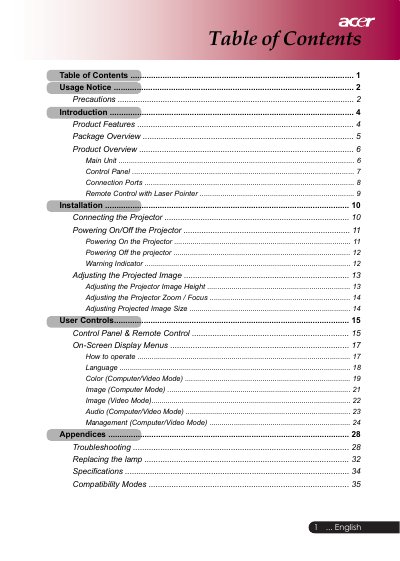
This manual provides instructions for operating an SVGA single chip DLP projector. It details the package contents, product features, and the layout of the main unit and control panel. The guide explains how to connect the projector to various signal sources, including VGA, Component, S-Video, and Composite video inputs, as well as USB for remote control.
| Light Valve Technology | Single Chip DLP™ Technology |
|---|---|
| Lamp Power | 200W |
| Number of Pixels | 800 pixels(H) X 600 lines(V) |
| Brightness | 1600 ANSI Lumens |
| Contrast Ratio | 2000:1 (Full on/off) |
| Projection Lens | F2.5 (wide), F2.7 (tele) |
| Weight | 2.0 KG |
| Dimensions | 256x198 x 92mm |
The projector will not turn back on until the lamp module has been replaced, and it may make a loud popping sound.
No, you should not look into the lens as the bright light may hurt your eyes.
You must reset the 'Lamp Hour Reset' function from the On Screen Display 'Management' menu.