
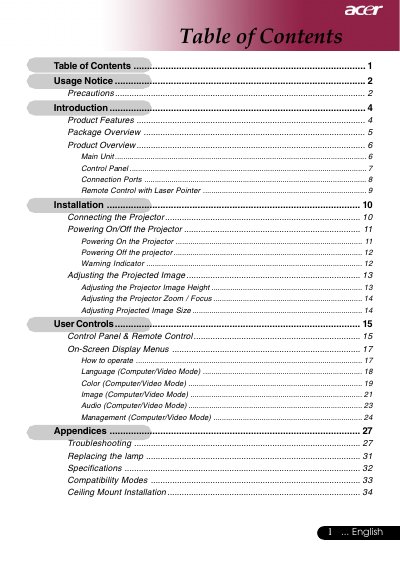
This user guide describes how to use this product, including product features, package contents, product overview, installation, power on/off, adjust projected image, user controls, operating methods, etc.
This document serves as the English user guide for a specific Acer projector model featuring XGA resolution (1024 x 768) and Single Chip DLPTM technology. It covers essential usage notices, product features such as HDTV compatibility and digital keystone correction, and detailed operating procedures.
| Resolution | 1024 x 768 addressable pixels |
|---|---|
| Technology | Single chip DLPTM |
| Brightness | 2400 ANSI Lumens |
| Contrast Ratio | 2000:1 (Full On/Full Off) |
| Weight | 5.3 lbs (2.41 kgs) |
You must allow the unit to cool down for at least 30 minutes before changing the lamp.
You must allow the projector to cool down for at least 30 minutes before changing the lamp.
The projector can operate in temperatures ranging from 41 to 95 degrees Fahrenheit.
The maximum screw length for attaching a third-party mount is 10mm.