
This manual introduces the features and use methods of the projector, including precautions, product features, package overview, product overview, main unit, panel control, connection ports and remote control.
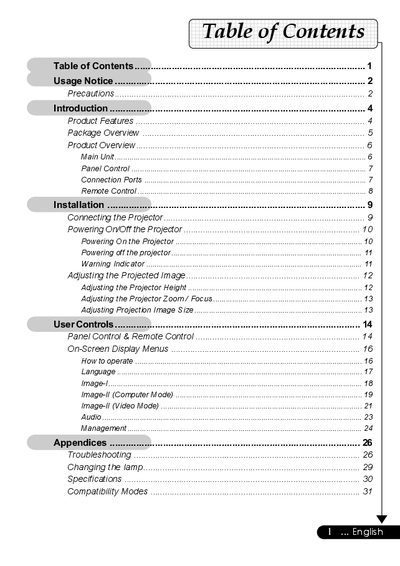
This manual covers the usage of a compact, 200-watt SVGA DLP projector. It details product features such as electronic keystone correction, multilingual menus, and compatibility with various video standards including NTSC, PAL, and SECAM.
The guide provides step-by-step instructions for installation, including connecting power and signal cables (VGA, S-Video, Composite), powering on the unit, and adjusting the projected image height, zoom, and focus. It also explains how to operate the panel controls and remote control.
| Technology | Single Chip DLP™ Technology |
|---|---|
| Resolution | 800 x 600 pixels |
| Brightness | 1300 ANSI Lumens |
| Contrast Ratio | 2000:1 |
| Lamp Power | 200 Watts |
| Weight | 4.9 lbs (2.22 kgs) |
| Dimensions | 10.7 x 3.4 x 8.3 inches |
The projector supports NTSC, NTSC4.43, PAL, PAL-M, PAL-N, SECAM, and HDTV.
You must reset the 'Lamp Reset' function from the On Screen Display 'Management' menu.
The projector operates in temperatures between 5°C and 35°C (41~95°F).