
This document is a user's guide for the product, describing the features and characteristics of the product.
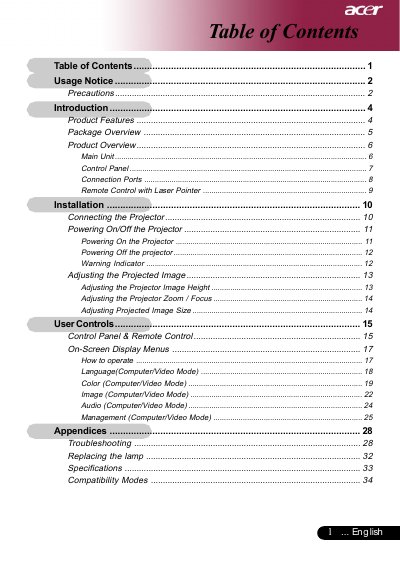
This document is the user guide for the Acer PD125D projector, a single-chip DLP device featuring XGA resolution and compatibility with various video standards including NTSC, PAL, and HDTV. The manual provides instructions on unpacking, connecting the projector to signal sources, and operating the control panel and remote control.
| Resolution | 1024 x 768 |
|---|---|
| Technology | Single Chip DLP |
| Contrast Ratio | 2000:1 |
| Power Supply | 100-240V |
| Weight | 2.4kg |
The projector features True XGA resolution with 1024 x 768 addressable pixels.
Yes, it is compatible with HDTV signals including 480i/p, 576i/p, 720p, and 1080i.
You must reset the 'Lamp Hour Reset' function from the On Screen Display 'Management' menu.