
This user’s guide introduces the precautions, package contents, product overview, installation, power on/off, adjusting the projected image, user controls, operation methods, troubleshooting, replacing the lamp, etc. of using this product, aiming to help users use this product better.
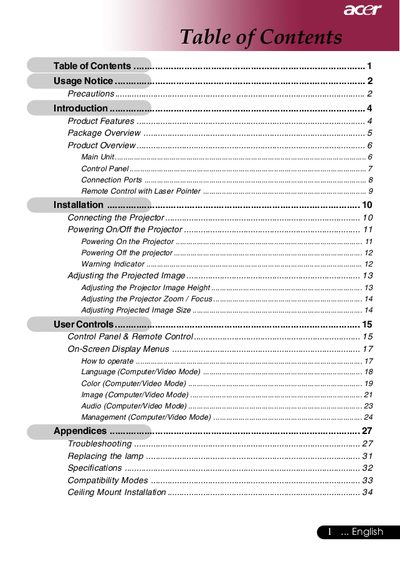
This document is a user manual for an Acer SVGA single chip DLP projector. It covers product features such as NTSC/PAL compatibility and digital keystone correction, and details the contents of the package including cables and a remote control. The guide explains how to connect the projector to various signal sources like VGA, S-Video, and HDTV adapters.
| Resolution | True SVGA, 800 x 600 addressable pixels |
|---|---|
| Technology | Single chip DLP technology |
| Compatibility | NTSC/NTSC4.43/PAL/SECAM and HDTV compatible |
| Input Connector | PC Analog Signal/ HDTV /Component Video Input Connector |
The projector will not turn back on until the lamp module has been replaced.
Reset the 'Lamp Hour Reset' function from the On Screen Display 'Management' menu.