
This guide explains how to use the Android Automation Testing Framework (AUT) to perform automated testing on Android-based devices. It covers the basic concepts of using AUT to run tests and how to set up and run tests. The guide also provides an overview of how to use AUT to automate testing of Android applications.
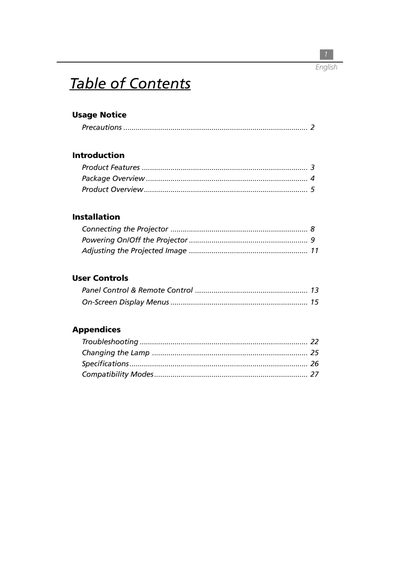
This document is a user guide for an Acer XGA single chip 0.7" DLP projector. It covers safety precautions, product features, and package contents including cables and accessories. The manual details how to connect the projector to various input sources such as computers via DVI or VGA, audio devices, and video sources.
| Resolution | 1024 x 768 addressable pixels |
|---|---|
| Technology | Single chip DLP™ technology |
| Lamp Power | 130 Watts user replaceable P-VIP lamp |
| Contrast Ratio | 500:1 (Full On / Full Off) |
| Weight | 3.3 lbs (1.5 kgs) |
| Power Consumption | 180 watts at normal operation |
The projector supports NTSC, PAL, SECAM, and HDTV (1080i, 720P, 480i/P) formats.
The graphic card should be configured to a resolution less than or equal to 1024 x 768.
The projector operates between 10°C and 40°C (50°F~104°F).