
3M X15i Multimedia Projector Operator's Guide

This is an operator's guide for the X15i Multimedia Projector, providing instructions for correct usage, safety precautions, and trademark acknowledgments.
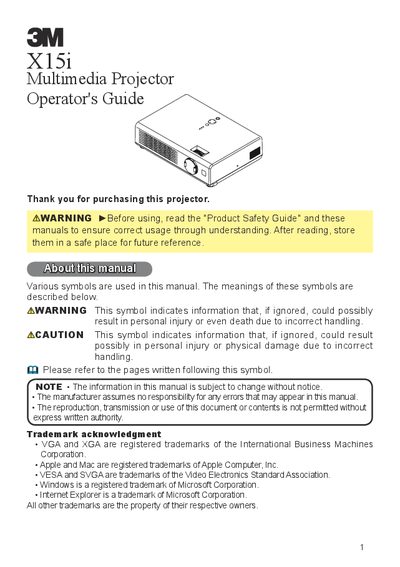

3M X15i Multimedia Projector Operator's Guide - cover page
Brand
3M
Category
Projector
Document type
User Manual
Language
English
Pages
54
File format
PDF
File size
7.1 MB
Published
06 July, 2012
Updated
29 September, 2023
MD5 checksum
6D22E0BD1C5FC8C04BE9C91DC9987177

About this manual

The 3M X15i is a compact multimedia projector designed to display computer signals and NTSC/PAL/SECAM video signals. Key features include a high-brightness Ultra High Brightness (UHB) lamp, low-noise operation in WHISPER mode, and the ability to project large images from short distances.

What's inside

  • Projector features
  • About contents of package
  • Part names
  • Fastening the lens cover
  • Putting batteries
  • Using the remote control
  • Setting up
  • Connecting your devices
  • Power on/off
  • Operating

Specifications

Operating Temperature16° to 29°C (60° to 85° F)
Relative Humidity10- 80 %RH

Frequently asked questions

What signals can this projector display?

It is used to project various computer signals as well as NTSC / PAL / SECAM video signals onto a screen.

How far can the remote control operate?

The range of the remote sensor is approximately 3 meters with a 60 degree range.

What type of batteries are required for the remote control?

The remote control requires two AA batteries.

Download PDF (7.1 MB)

More 3M Manuals


View all 3M manuals →