
This document introduces the Agilent Instrument Control Framework software (ICF), which enables third party LC data acquisition and processing software providers to simplify the development of instrument control software for Agilent LCs
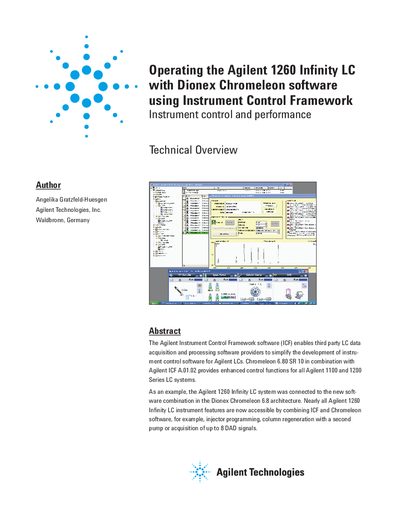
This document provides a technical overview of operating the Agilent 1260 Infinity LC system in combination with Dionex Chromeleon 6.80 SR 10 software and the Agilent Instrument Control Framework (ICF). It details the prerequisites for seamless interaction, including specific driver versions and hardware connections via CAN and LAN.
The text outlines supported instrument features such as injector programming, column regeneration using a second pump, and access to up to eight DAD signals. It also presents performance data from precision tests on retention time and area measurements.
The minimum supported Chromeleon version is Chromeleon 6.80 SR10, which must be combined with driver update DU10A.
The flow rate used for the test was 1 mL/min.
The system supports the acquisition of up to 8 DAD signals.