
COBY DTV-102 Digital TV Converter Box User Manual

This User Guide provides detailed information to correctly setup and evaluate the DTV-102 Converter Box. A procedure is described to setup the converter box for normal operation using the provided GUI software, with details for evaluation of the many provided features.
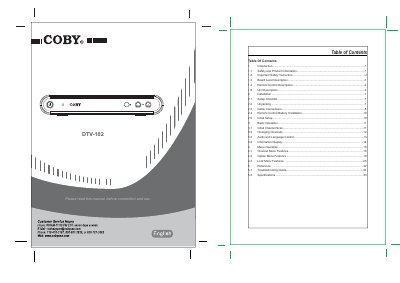

COBY DTV-102 Digital TV Converter Box User Manual - cover page
Brand
COBY
Category
Television
Document type
User Manual
Language
English
Pages
18
File format
PDF
File size
726 KB
Published
10 August, 2012
Updated
30 September, 2023
MD5 checksum
ED6E940C8BEC53EE708CCE0F2EF8F949

About this manual

This manual provides instructions for setting up and operating the COBY DTV-102 Digital TV Converter Box. It details the required hardware, unpacking steps, and cable connections for converting digital signals to analog output for older televisions. The guide explains how to connect the device to an antenna or cable source and to an external receiver or TV.

What's inside

  • Introduction
  • Safety and Product Information
  • Board Level Description
  • Remote Control Description
  • Unit Description
  • Installation
  • Setup Checklist
  • Cable Connections
  • Initial Setup
  • Basic Operation

Frequently asked questions

What power supply voltage and frequency range is required for the DTV-102?

The device requires an AC power supply rated for 100-240V at 50Hz/60Hz.

How many batteries are needed to power the remote control?

You must insert 2 AAA batteries into the battery compartment.

Which coaxial cable type is recommended for connecting the antenna to the converter box?

You should use RG-6 coaxial cable when connecting from the antenna to the CB module.

Download PDF (726 KB)

More COBY Manuals


View all COBY manuals →