
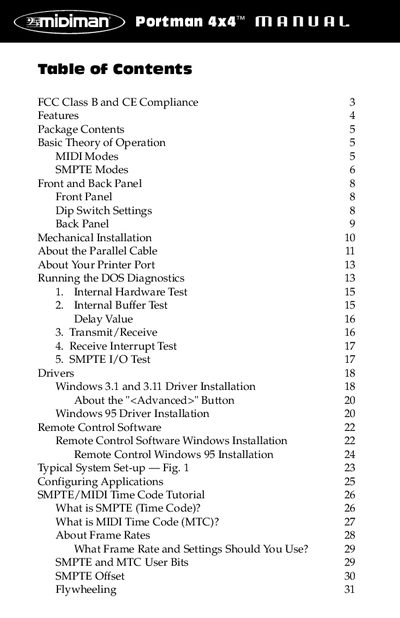
This document is the user manual for the PORTMAN 4x4/S product. It mainly introduces the features and characteristics of the product, including MIDI modes, SMPTE modes, appearance, DIP switch settings, installation, driver installation, remote control software, SMPTE/MIDI time code tutorial, SMPTE/MIDI time code settings, using remote control software, troubleshooting, etc.
This manual provides instructions for the Midiman PORTMAN 4x4/S, a third-generation external MIDI interface that connects to a PC parallel port. It supports 64 channels of MIDI input and output and includes built-in SMPTE time code reader/writer/regenerator capabilities. The device operates in two modes: Interface mode for multi-port MIDI routing and Patchbay mode for user-configurable MIDI patching.
| MIDI Channels | 64 channels of MIDI output and 64 channels of MIDI input |
|---|---|
| Interface Type | Parallel port |
| Power Supply | DC 9v 500 ma |
The device has two modes: Patchbay mode, where MIDI inputs are routed to outputs according to user programs, and Interface mode, where it operates as a dedicated multi-port interface.
Hold the Write Button while powering up the unit to reset all internally-stored values to their factory defaults.
SMPTE Regenerate mode is selected, and the box is waiting to acquire incoming SMPTE.