
The document describes the features and characteristics of the Sonica product, including system requirements, usage methods, and compatibility with software DVD players and the Windows sound system.
The M-Audio Sonica is a portable USB-powered audio upgrade designed for laptops and desktops. It delivers true 24-bit 96kHz audio quality and supports various multi-channel formats including Dolby Digital 5.1, DTS, and SRS TruSurround XT technology for virtual surround sound over stereo speakers.
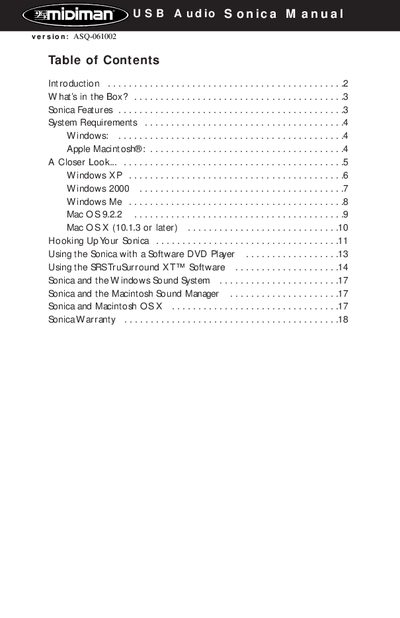
The document details system requirements for Windows (Me, 2000, XP) and Macintosh operating systems, along with step-by-step software installation procedures. It also covers hardware connections via optical digital output and analog line-out, as well as configuration using the included SRS TruSurround XT software.
| Audio Resolution | 24-bit/96kHz |
|---|---|
| Dynamic Range | 97 dB (typical) |
| Signal-to-Noise Ratio | 97 dB (typical) |
| THD+N | -87 dB (typical) |
| Power Source | USB-powered |
No, it is completely powered by the USB connection.
It supports 24-bit Linear PCM, 16-bit Linear PCM, and encoded formats like AC-3, Dolby Pro Logic, or DTS.
The minimum requirement is 64MB of RAM.