
This document is an instruction manual for EN Video & MP3 Player. It describes the features and functions of the product. The manual includes instructions on how to charge the battery, turn on/off the player, reset the player, and disable the controls. It also explains the operation of the main menu and various modes, such as music mode, photo mode, video mode, radio mode, text mode, and explorer mode. The manual also provides information on installing Coby Media Manager and product specifications.
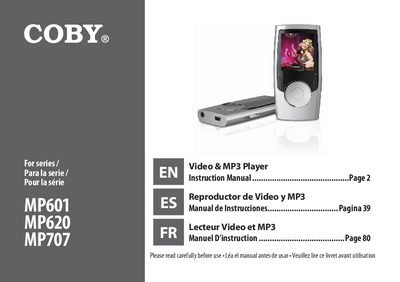
Congratulations on your purchase of a Coby Video & MP3 player. This manual is designed to help you easily set up and begin using your new player right away. It includes instructions for charging the battery, turning the device on and off, resetting the player if it freezes, and disabling controls to prevent accidental activation.
| Display Type | LCD full-color display |
|---|---|
| Memory | Integrated flash memory |
| Connectivity | USB 2.0 Hi-speed |
| Audio Support | ID3 and LRC support |
| Radio | Integrated FM Radio |
You can charge it by connecting to a computer via USB or using the integrated rechargeable battery.
Use a paper clip to gently press the reset button located on the rear of the player.
Slide the power switch up until it clicks into the Hold position.