
This manual provides detailed introduction of MP610-1G MP610-2G MP610-4G MP3&Video Player with FM Radio's features and characteristics, and how to use the product.
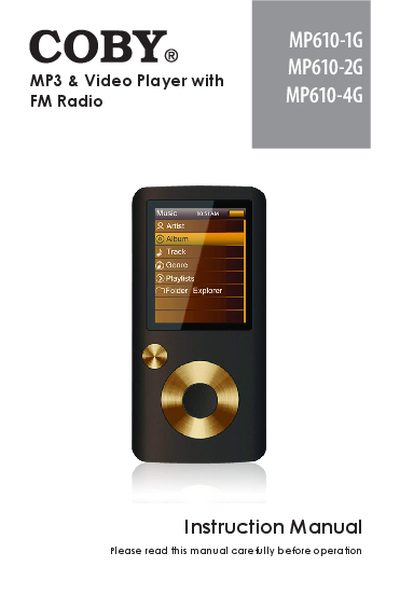
This instruction manual covers the COBY MP610 series MP3 and Video Player with FM Radio, including models MP610-1G, MP610-2G, and MP610-4G. It details the package contents, hardware controls, and how to enable or disable the control lock. The guide explains how to charge the battery, turn the device on and off, and reset the player.
| Display | 1.8" TFT LCD full-color display |
|---|---|
| Memory | Integrated flash memory |
| Connectivity | USB 2.0 Hi-speed |
| Audio | Integrated FM radio |
| Compatibility | ID3 and LRC support |
Slide the POWER switch up until it clicks into the Hold position.
Press the Reset button located on the rear view of the device.