
Brother QL-1050/1060N Label Printer User's Guide

This is a user manual for Brother QL label printer. It describes how to use the Brother QL label printer.
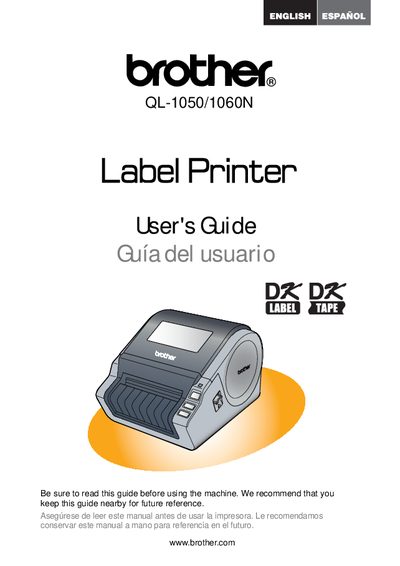

Brother QL-1050/1060N Label Printer User's Guide - cover page
Brand
Brother
Category
Printer
Document type
User Manual
Language
Spanish
Pages
89
File format
PDF
File size
2.7 MB
Published
02 July, 2012
Updated
30 September, 2023
MD5 checksum
4A54DC735D767D627BA783F9C8B83FFD

About this manual

This document is the User's Guide for the Brother QL-1050/1060N Label Printer. It is written in Spanish and provides instructions on how to use the device, including recommendations to read the guide before use and keep it nearby for future reference. The document also directs users to online resources for registration and support.

What's inside

  • INTRODUCTION
  • Warranty
  • FCC Declaration
  • Registration
  • Support

Frequently asked questions

What is the warranty period for the Brother QL-1050/1060N label printer machine?

The warranty covers the machine for two years starting from the original purchase date.

How long is the warranty coverage for consumable and accessory items like label rolls?

These items are covered for 90 days from the original purchase date or their rated life, whichever comes first.

What must a user provide to Brother when requesting warranty service?

You must supply a copy of your dated bill of sale showing that the product was purchased within the U.S.

Download PDF (2.7 MB)

More Brother Manuals


View all Brother manuals →