
This document is a user guide for Brother P-touch®, which introduces how to use P-touch® Editor for Windows®, P-touch® Address Book, P-touch® Transfer Manager and P-touch® Library to create, edit and print labels.
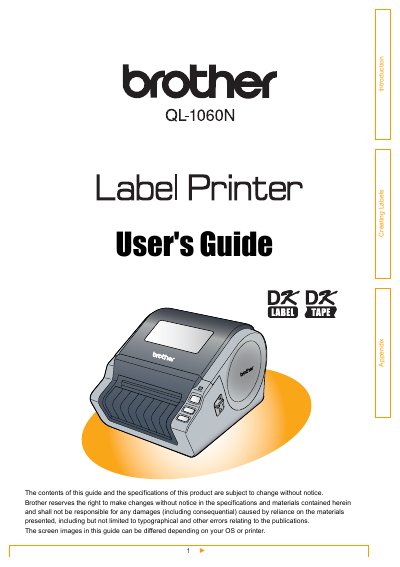
This User's Guide describes how to create labels using the P-touch Editor software installed on a computer connected to the Brother QL-1060N label printer. It covers the general procedure for creating labels, starting the software, and using various modes like Express, Professional, and Snap.
| Product Name | QL-1060N label printer |
|---|
The Green lamp is lit when the Power is ON.
The Orange lamp is lit when the roll cover is opened.
The Red lamp is lit when activating the boot.