
Brother QL-1060N Label Printer Setup & Operation Guide

This document is the installation and operation guide for the Brother QL-1060N. By reading this guide, users can learn about the installation steps and operation methods of the product.
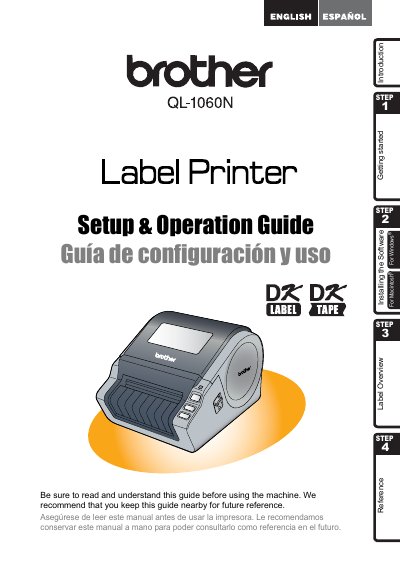

Brother QL-1060N Label Printer Setup & Operation Guide - cover page
Brand
Brother
Category
Printer
Document type
User Manual
Language
English
Pages
69
File format
PDF
File size
4.8 MB
Published
02 July, 2012
Updated
29 September, 2023
MD5 checksum
744434A7B54120C286905680EF5D7C8F

About this manual

This document serves as a Setup & Operation Guide for the Brother QL-1060N label printer. It provides an overview of the device and outlines the initial steps required to start using the machine, including getting started procedures and installing the necessary software. The guide is intended for users of both Windows and Macintosh operating systems.

What's inside

  • Label Overview
  • Introduction
  • Getting started
  • Installing the Software
  • Setup & Operation
  • Reference
  • Warranty Information
  • FCC Declaration

Frequently asked questions

What is the warranty period for the Brother QL-1060N machine?

The machine has a two-year limited warranty starting from the original purchase date.

How long is the warranty for consumable and accessory items like label rolls?

These items are covered for 90 days or their rated life, whichever comes first.

What should I do if my product causes harmful interference to radio communications?

You can try reorienting the antenna, increasing separation between devices, using a different outlet circuit, or consulting a technician.

Download PDF (4.8 MB)

More Brother Manuals


View all Brother manuals →