
Brother QL-500/550 Label Printer Quick Start Guide

This is a quick start guide for the QL-500/550 label printer. It provides instructions on how to start using the QL-500/550 and refers users to the User's Guide for more detailed information. The QL-500/550 is a label printer that connects to a personal computer and allows users to print professional custom labels using the provided label editing software.
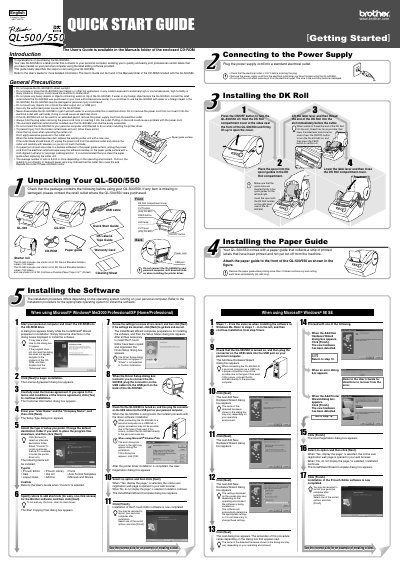

Brother QL-500/550 Label Printer Quick Start Guide - cover page
Brand
Brother
Category
Printer
Document type
Quick Start Guide
Language
English
Pages
2
File format
PDF
File size
3 MB
Published
02 July, 2012
Updated
29 September, 2023
Models
QL-500, QL-550
MD5 checksum
7A2E95D90C4A2CC43218509D030F661A

About this manual

This document serves as a Quick Start Guide for the Brother QL-500/550 label printer. It outlines the essential steps to get the device up and running, including unpacking, installing the paper guide and DK Roll, and connecting the power supply. The guide also details the software installation process for Microsoft Windows operating systems.

What's inside

  • Introduction
  • General Precautions
  • Unpacking
  • Installing the Paper Guide
  • Installing the DK Roll
  • Installing the Software
  • Connecting to the Power Supply
  • General Safety Precautions

Frequently asked questions

What electrical voltage must be checked before plugging in the QL-500/550?

You must check that the electrical outlet is 120 V before inserting the plug.

How many labels are included in the starter roll for the QL-500?

The QL-500 includes one starter roll containing 100 labels.

What is the length of the continuous durable paper tape included with the QL-550?

The QL-550 includes a starter roll of tape that is 25 feet long.

Download PDF (3 MB)

More Brother Manuals


View all Brother manuals →