
This document describes the steps to start using the QL-1050/1050N label printer and provides more detailed information in the Software User's Guide. It also includes the Federal Communications Commission (FCC) Declaration of Conformity for the USA.
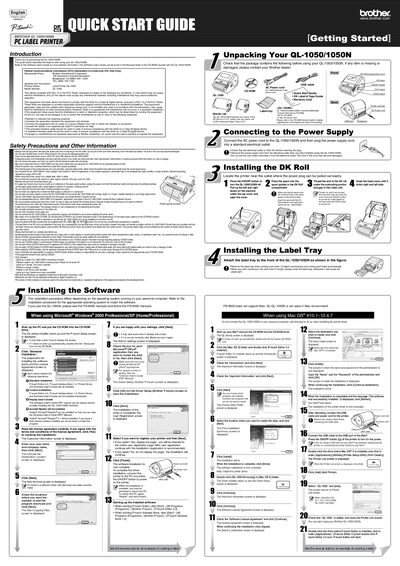
This document serves as a Quick Start Guide for the Brother QL-1050 and QL-1050N PC Label Printers. It provides brief instructions to help users start using the device immediately, including unpacking the starter rolls and installing the necessary software on a Windows PC.
| Operating Temperature | 50F to 95F |
|---|---|
| Power Source | 120V AC |
The package includes an AC Power cord, a Starter roll of DK Die-cut 4" X 6" Labels, and a Starter roll of DK Continuous Paper Tape 2-3/7".
A flashing green LED indicates that the QL-1050/1050N is receiving data and the user should not power off the device.