
This Application Note describes a method of injecting large sample volumes using an Agilent 1100 Series purification system and injection pump.
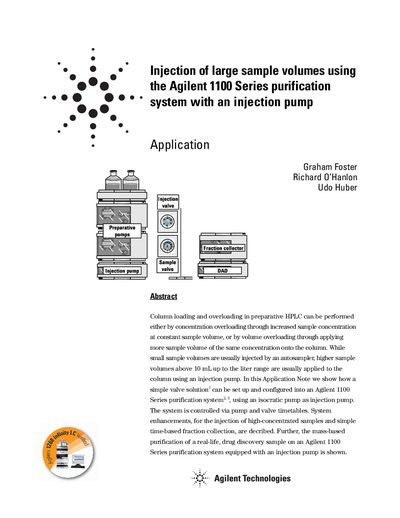
The document details a method to perform volume overloading in preparative High-Performance Liquid Chromatography (HPLC) by using an isocratic pump as an injection pump. This approach allows for the application of higher sample volumes, ranging from above 10 mL up to the liter range, which are typically too large for standard autosamplers.
The guide provides a specific system configuration involving two preparative pumps, an Agilent 1100 Series isocratic pump, and various valves. It outlines the necessary plumbing with stainless steel capillaries or PEEK tubing and explains how to set up valve timetables within the ChemStation software (rev. A.10.02) to control the injection cycle, sample transfer, and system washing.
Sample volumes above 10 mL up to the liter range are usually applied to the column using an injection pump.
Small sample volumes up to 5 mL can easily be injected using an autosampler.
The injection of the sample, flushing the sample onto the column, and washing and re-equilibration is performed in seven steps.