
This manual contains instructions for operating an Olympus digital camera, including button operations, menu operations, and photo printing, with the aim of helping users better understand their camera and take more beautiful photos.
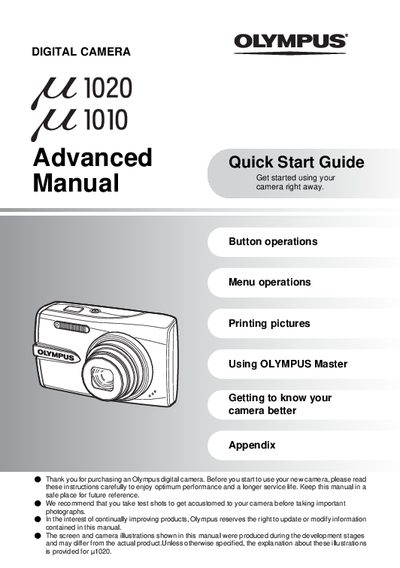
The document serves as an advanced quick start guide for the Olympus 1020 digital camera. It details how to prepare the camera by charging the battery and inserting an xD-Picture Card or using internal memory. The manual explains how to turn on the device, set the date and time, and select shooting modes such as AUTO, SCN (scene), and GUIDE.
The charging time is approximately 2 hours.
The camera will not turn on even if the POWER button is pressed.