
This is a quick start guide for the Olympus TOUGH-8010 digital camera.
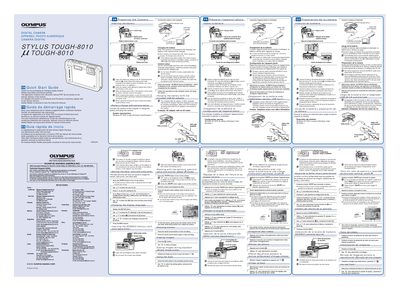
This document is a Quick Start Guide for the Olympus STYLUS TOUGH-8010 digital camera. It provides initial setup instructions including inserting the battery, connecting to a computer for software installation, and using the included USB-AC adapter (F-2AC) for charging.
The guide details specific steps for preparing the camera, such as ensuring the battery is charged before first use and correctly installing it by sliding the lock knob. It also explains how to set up the date, time, and language automatically via the computer's initialization program.
It takes up to 3 hours to fully charge the battery until the indicator lamp turns off.
You must charge the battery until the indicator lamp turns off, which takes up to 3 hours.
Formatting early will erase the stored camera instruction manual and PC software data.
No, you must not use shooting functions while the AC adapter is connected to the camera.