
The µPD16435 and 16435A are controllers/drivers for a 119 × 73-dot LCD, and perform LCD full-dot and character composite display by means of control by a microprocessor that has a 4 or 8-bit data bus. A charge pump type DC/DC converter is also incorporated, enabling 3 or 5 V single power supply drive. The µPD16435 uses an external reference clock. The µPD16435A has the on-chip oscillation circuit (external crystal resonator).
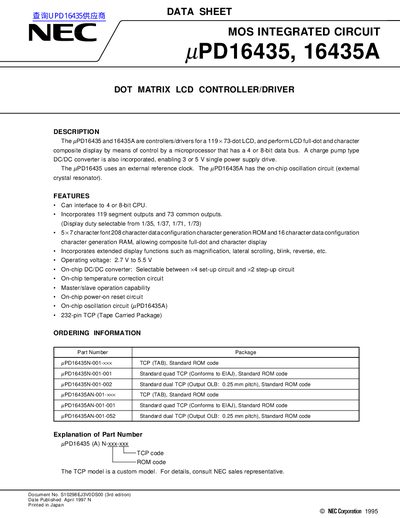
The NEC uPD16435 and 16435A are controllers and drivers designed for a 119 x 73-dot LCD. They perform full-dot and character composite display by means of control from a microprocessor with a 4 or 8-bit data bus.
These devices incorporate an on-chip charge pump type DC/DC converter, enabling drive from a single power supply of either 3 V or 5 V. The uPD16435 requires an external reference clock, whereas the uPD16435A includes an on-chip oscillation circuit connected to an external crystal resonator.
| Display Resolution | 119 x 73-dot LCD |
|---|---|
| Operating Voltage | 2.7 V to 5.5 V |
| Package Type | 232-pin TCP (Tape Carried Package) |
| Character Font Configuration | 7 x 208 character data configuration CGROM and 16 character data configuration CGRAM |
| Clock Frequency (uPD16435A) | 4.19 MHz |
The uPD16435 uses an external reference clock, while the uPD16435A has an on-chip oscillation circuit.
The device supports a 3 V or 5 V single power supply drive.