
Explains how to connect the CASIO Multi PJ Camera YC-400 to a computer and set up projection
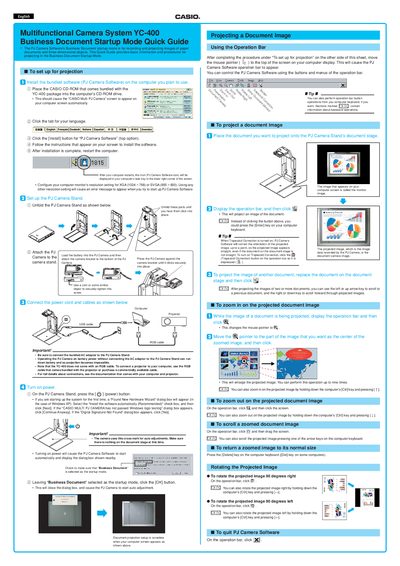
This document provides basic procedures for using the Casio YC-400 Multifunctional Camera System's Business Document Startup Mode. It covers installing the bundled PJ Camera Software, configuring the computer monitor resolution to XGA or SVGA, and setting up the camera stand with the AC adaptor.
The computer monitor's resolution must be set to XGA (1024 x 768) or SVGA (800 x 600).
No, the YC-400 does not come with an RGB cable; you must use one bundled with your projector or purchase a commercially available cable.
Yes, you can zoom in by holding down the computer's [Ctrl] key and pressing [f].