
This document describes the features and characteristics of the TQ-451/551 alarm clock, including the appearance, usage instructions, and the luminous paint used in the clock.
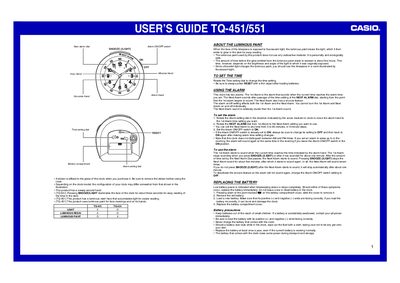
The document provides instructions for using the Casio TQ-451/551 clock, including setting the time and configuring two alarms with a snooze feature. It details how to use the SNOOZE/LIGHT button to illuminate the face or stop the alarm sound.
The guide also covers maintenance procedures such as replacing the battery and includes specific precautions regarding luminous paint types (resin vs. paint) for different models.
Pressing SNOOZE/LIGHT illuminates the face of the clock for about three seconds.
The Next Alarm will sound seven times in total if the snooze feature is used repeatedly.