
This user's guide is for the ID-12 clock, and introduces the basic functions and usage methods of the clock.
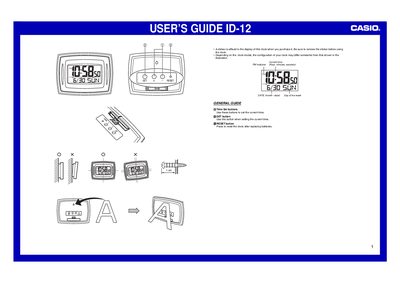
The document serves as a user's guide for the Casio ID-12 digital clock. It explains how to remove the protective sticker from the display before use and notes that the physical configuration may vary slightly depending on the specific model.
The manual details procedures for setting the current time, date (month-day), day of the week, year (range 2000-2039), and switching between 12-hour and 24-hour formats. It also includes a section on battery replacement, covering removal, installation precautions to prevent damage or leakage, and resetting the clock after changing batteries.
| Year setting range | 2000 to 2039 |
|---|
Press the RESET button after replacing the batteries.
Replace them whenever the display becomes dim and difficult to read, or at least once a year.