
This is an operation manual that introduces the basic functions and operation methods of the DQD-106 clock, including alarms, time calibration, etc.
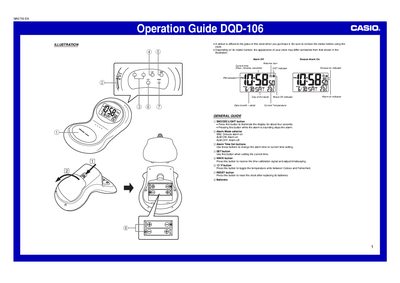
The Casio DQD-106 is a digital clock featuring automatic time calibration via radio signal reception from Mainflingen, Germany. It includes an internal thermometer with Celsius/Fahrenheit switching and a built-in light for viewing in the dark.
Users can set alarms with snooze functionality or turn them off completely using a side selector switch. The device allows manual time setting if the radio signal is unavailable and requires battery replacement every year to maintain accuracy.
The clock receives the time calibration signal transmitted from Mainflingen, Germany.
Press the °C/°F button to toggle the temperature units between Celsius and Fahrenheit.
Pressing this button stops the alarm, but if the snooze feature is on, it will sound again in about five minutes.