
This manual introduces how to use the EXILIM digital camera.
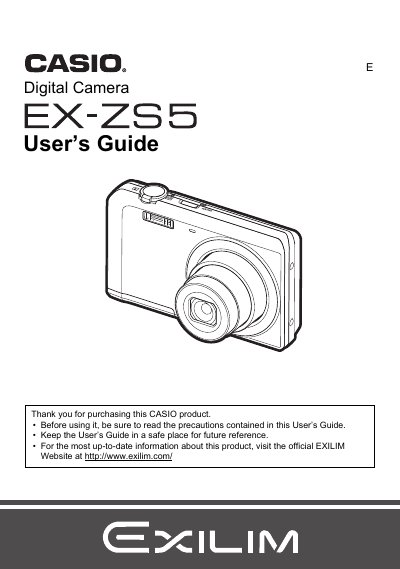
This document is the official User's Guide for the Casio EX-ZS5 digital camera. It provides comprehensive instructions on unpacking the device, charging the NP-80 battery, and preparing a memory card. The guide details how to turn the camera on and off, hold it correctly, and take snapshots using various modes including Auto Focus, Face Detection, and BEST SHOT.
| Battery Rated Voltage | 3.7V |
|---|---|
| Battery Rated Capacitance | 700 mAh |
| Adaptor Input Power | 100 to 240 V AC, 50/60 Hz, 100 mA |
| Adaptor Output Power | 5.0 V DC, 650 mA |
The camera includes a rechargeable lithium ion USB-AC adaptor battery (NP-80).
The battery operates within a temperature range of 0 to 40°C (32 to 104°F).
You should visit the official EXILIM Website at www.exilim.com for the latest information.