
This is a user guide for QV-2000UX/Ir digital camera. The guide provides basic operating methods for the camera, including loading batteries, setting time and date, taking photos, etc.
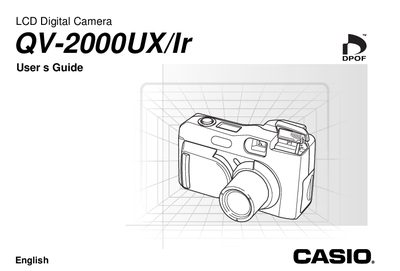
The document serves as a comprehensive user guide for the Casio QV-2000UX/Ir digital camera. It details operational procedures including loading batteries, setting the date and time, and using various recording modes such as movie, panorama, and night scene. The guide also explains how to play back images, manage memory cards, and connect the device to other equipment like computers or televisions.
| Monitor Screen | 1.8" TFT, low-glare color LCD (122,100 pixels, 555 x 220) |
|---|---|
| Viewfinder | LCD Monitor or optical viewfinder |
| Clock | Built-in quartz digital timepiece for image data: auto calendar up to 2049 |
| Input/Output Terminals | DIGITAL IN/OUT, USB port (special mini port), AC adaptor connector, VIDEO OUT (NTSC, PAL) |
| Infrared Communication | IrDA1.1: IrTran-P compliant |
| Power Supply (Batteries) | Four AA-size alkaline or lithium batteries; Four AA-size nickel-hydrogen rechargeable batteries |
| Battery Life (Recording - Lithium) | Approximately 920 shots |
File name assignment and timestamping will not be performed correctly.
Slide the lens cover open completely; sliding it partway initially causes the flash to pop up.
The camera supports one-shot, self-timer, movie, panorama, continuous, quick, macro, landscape, night scene, portrait, and monochrome/sepia modes.
No, this camera does not have a separate battery to power its clock.