
Casio EX-ZS10 Digital Camera User's Guide

This document is a user's guide for CASIO products, providing information on precautions before use, including reading the user's guide and keeping it for future reference. It also lists the contents of the product packaging and accessories, and provides contact information and copyright statement.
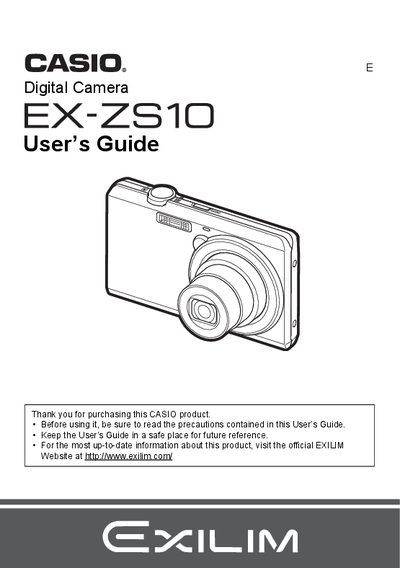

Casio EX-ZS10 Digital Camera User's Guide - cover page
Brand
Casio
Category
Digital cameras
Document type
User Manual
Language
English
Pages
142
File format
PDF
File size
3.9 MB
Published
06 June, 2012
Updated
28 September, 2023
Model
EX-ZS10
MD5 checksum
415C5CD91B2061EEB81FA429226CCFBA

About this manual

This document is the official User's Guide for the CASIO EX-ZS10 digital camera. It provides instructions on unpacking the device, charging the NP-120 battery, and preparing a memory card. The guide details how to turn the camera on and off, hold it correctly, and take snapshots using various modes including Auto Focus, Face Detection, and BEST SHOT.

What's inside

  • Unpacking
  • Charging the Battery
  • Loading a Memory Card
  • Snapshot Shooting Precautions
  • Using Flash and Self-timer
  • Recording Movie Images
  • Viewing Snapshots and Movies
  • Advanced Settings (Focus, White Balance)
  • Printing with DPOF
  • Connecting to a Computer

Frequently asked questions

What is the rated voltage of the NP-120 battery?

The rated voltage for this rechargeable lithium ion battery is 3.7V.

What are the dimensions of the NP-120 battery?

The battery measures 35.5 mm (width) x 40.2 mm (height) x 5.0 mm (depth).

What is the operating temperature range for the NP-120 battery?

The battery operates within a temperature range of 0 to 40°C.

Download PDF (3.9 MB)

More Casio Manuals


View all Casio manuals →