
This document is the instruction manual for the QV-200 digital camera produced by Canon. It introduces the functions and usage of the camera
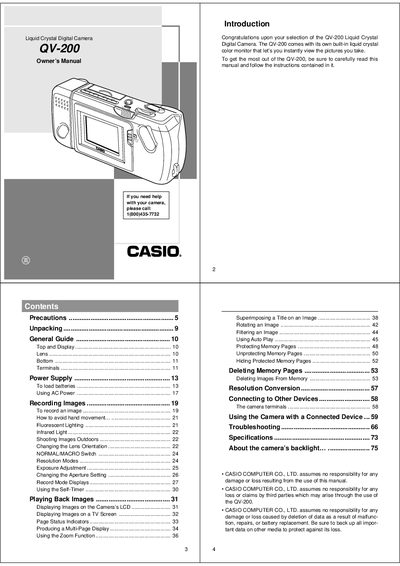
This document is the Owner's Manual for the Casio QV-200 Liquid Crystal Digital Camera. It provides instructions on using the built-in monitor to view images instantly, operating controls such as the shutter and zoom functions, and managing memory pages for storing photos.
The guide also details how to connect the camera to other devices like TVs or computers via video cables or digital terminals, along with troubleshooting steps for common issues and specific precautions regarding battery usage and environmental conditions.
The camera is designed for use in temperatures ranging from 0°C to 40°C (32°F to 104°F).
Removing batteries or disconnecting the AC adaptor during a record operation can cause data stored in the camera's memory to become corrupted.