
This manual introduces how to use the EXILIM EX-Z1200. It includes precautions before use, unpacking contents, operating instructions, warranty information, etc.
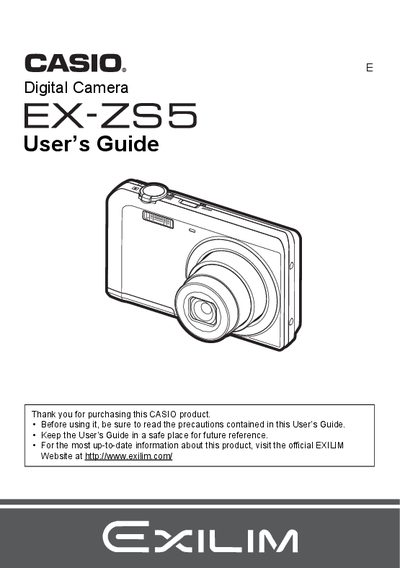
The Casio EX-ZS5 is a compact digital camera equipped with features such as Face Detection, BEST SHOT scene modes, and optical zoom. This manual covers unpacking the device, charging the NP-80 battery, and preparing memory cards for use.
Detailed instructions are provided for snapshot shooting, including adjusting image size, using flash, and optimizing brightness. The guide also explains how to record movies and audio, view images on a TV or computer, and utilize advanced settings like white balance control and ISO sensitivity.
| Battery Type | Rechargeable lithium ion USB-AC adaptor battery (NP-80) |
|---|---|
| Rated Voltage | 3.7V |
| Rated Capacitance | 700 mAh |
The camera uses a rechargeable lithium ion USB-AC adaptor battery model NP-80.
Charge the battery using the included USB-AC adaptor before first use.