
This document is the user guide for CASIO GV-10 digital camera, which introduces the camera's usage, precautions, features, etc.
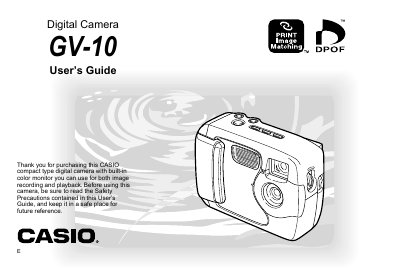
The Casio GV-10 is a compact type digital camera featuring a built-in color monitor. This User's Guide provides instructions on unpacking the device, loading batteries and memory cards, and setting up the date and time. It details how to record images using various modes such as snapshot, continuous shutter, and movie mode, as well as utilizing the optical viewfinder and flash.
The camera requires 4 AA-size alkaline batteries.
The package includes Alkaline batteries (4 AA-size), a USB cable, an 8 MB CompactFlash card, a lens cap/cap holder, bundled software, and a User's Manual.
Move the POWER ON/OFF switch to ON.
Turn on the camera, align the dial with SET UP, select DATE or CLOCK using the buttons, adjust the settings, and press DISP to register.