
This document is the user manual of CASIO EXILIM EX-S200 Digital Camera
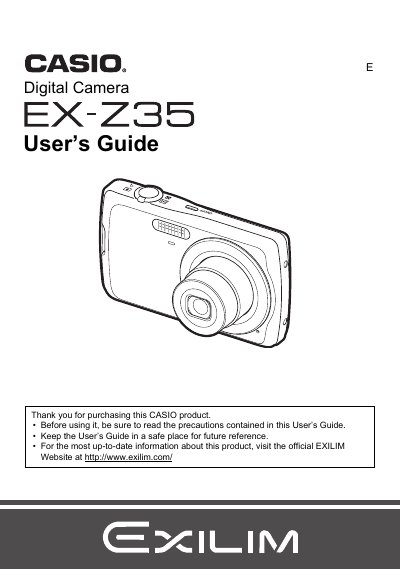
This manual provides instructions for using the Casio EX-Z235 digital camera. It covers unpacking the device, charging the NP-82 battery, and configuring basic settings such as date/time and language preferences.
The guide details snapshot shooting techniques including face detection, anti-shake features, and various flash modes. It also explains how to record movies with audio, view images on a TV screen, transfer files to a computer via USB or Eye-Fi cards, and perform maintenance tasks like formatting memory cards.
| Battery Type | Rechargeable lithium ion battery (NP-82) |
|---|---|
| Charger Input Power | 100 to 240 V AC, 45 mA, 50/60 Hz |
| Charger Output Power | 4.2V DC, 300 mA |
| Battery Charging Time | 210 minutes |
The camera includes a rechargeable lithium ion battery (NP-82).
Yes, the charger supports both NP-82 and NP-80 batteries.
The charging time is 210 minutes.