
This is a user manual for EXILIM digital camera
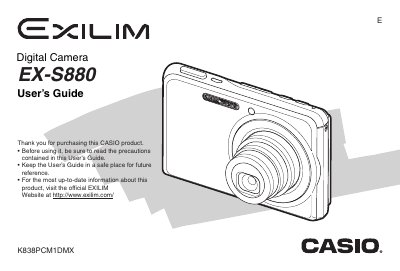
The Casio EX-S880 is a compact digital camera designed for capturing high-quality snapshots and movies. This User's Guide covers essential operations such as unpacking the device, charging the NP-20 battery, and configuring basic settings like date, time, and display language. It details how to use various shooting modes, including face recognition, continuous shutter, and zoom functions.
| Rated Voltage | 3.7 V |
|---|---|
| Rated Capacitance | 700 mAh |
| Dimensions (Camera) | 94.5 x 60.4 x 17.3 mm |
| Weight (Camera) | Approximately 128 g |
The camera comes bundled with a Rechargeable Lithium Ion Battery (NP-20).
You can charge the battery using the USB Cradle (CA-37) or the Special AC Adaptor (AD-C52G).
Yes, the guide explains how to upload movie files directly from the camera.