
This manual provides basic operating instructions for the EX-S880 K838PCM1DMX digital camera.
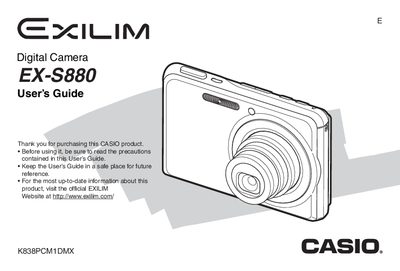
The Casio EX-S880 is a compact digital camera designed for capturing high-quality snapshots and movies. This guide covers essential operations including unpacking the device, charging the NP-20 battery, and configuring display settings. It details how to use various shooting modes such as Auto Focus, Face Recognition, and Continuous Shutter to capture dynamic subjects effectively.
| Rated Voltage | 3.7 V DC |
|---|---|
| Rated Capacitance | 700 mAh |
| Dimensions (Camera) | 94.5 x 60.4 x 17.3 mm |
| Weight (Camera) | Approximately 128 g |
The camera comes bundled with a Rechargeable Lithium Ion Battery (NP-20).
You must first insert the battery into the USB Cradle (CA-37) and connect it to power.