
This document provides instructions and precautions for using the CASIO digital camera EX-S3, including information on the package contents, battery charging, configuration settings, image recording, and viewing.
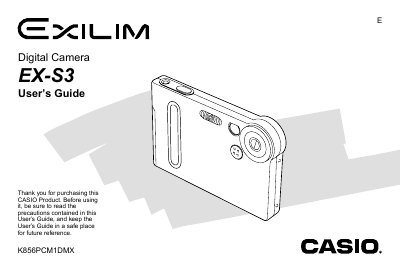
The Casio EX-S3 is a digital camera equipped with features such as Best Shot Mode, Coupling Shot, and Pre-Shot. The manual covers basic operations like turning the camera on/off, using the monitor screen, and adjusting settings for image size and quality.
Detailed instructions are provided for recording images in REC mode, playing back files in PLAY mode, managing data via folders and memory cards, and connecting to Windows or Macintosh computers for software installation and file transfer.
The camera supports recording at 2048 x 1536, 1600 x 1200, 1280 x 960, and 640 x 480 pixels.
Users can select Fine, Normal, or Economy settings to balance quality and file size.