
Casio EX-S7 Digital Camera User's Guide

This document is the user's guide for the Exilim EX-S1400 digital camera. It introduces the camera's usage methods and precautions.
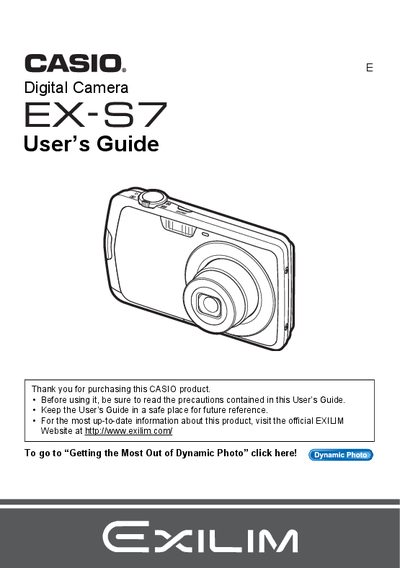

Casio EX-S7 Digital Camera User's Guide - cover page
Brand
Casio
Category
Digital cameras
Document type
User Manual
Language
English
Pages
194
File format
PDF
File size
6.1 MB
Published
06 June, 2012
Updated
30 September, 2023
Model
EX-S7
MD5 checksum
20167F03D213BAF2EAC86E2E20297546

About this manual

The Casio EX-S7 is a compact digital camera designed for capturing snapshots and recording movies. This guide explains how to unpack the device, charge the battery, and configure initial settings such as date/time and memory card formatting.

The manual details various shooting modes including Snapshot, Movie, Face Detection, and Dynamic Photo. It also covers advanced features like image editing on the camera, printing via PictBridge, and transferring files to computers running Windows or Macintosh.

What's inside

  • Unpacking
  • Configuring Basic Settings
  • Snapshot Shooting
  • Recording Movie Images
  • Using BEST SHOT
  • Advanced Settings
  • Viewing Snapshots and Movies
  • Printing
  • Using the Camera with a Computer
  • Troubleshooting

Frequently asked questions

What items are included in the camera package?

The package includes a rechargeable lithium ion battery, a charger unit, a USB cable, an AV cable, and a CD-ROM.

What is the maximum number of snapshots the camera can record?

The camera can record up to 999 snapshots.

How long is the maximum recording time for a movie?

The maximum movie recording time is 29 minutes and 59 seconds.

Download PDF (6.1 MB)

More Casio Manuals


View all Casio manuals →