
This is a user manual for a CASIO digital camera, which mainly introduces the functions and usage of the camera.
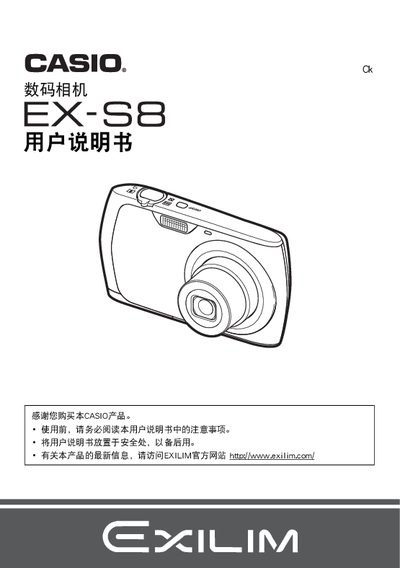
This document is the official user manual for the Casio EX-S8 digital camera. It provides instructions on unpacking the device, charging the NP-80 battery using the BC-81L charger, and performing initial setup steps such as formatting the memory card.
The guide details how to operate the camera's controls, including taking photos with various modes like Best Shot and Easy Mode, adjusting settings for ISO sensitivity, white balance, and focus areas. It also covers transferring images to a computer via USB or AV cable, printing directly using DPOF, and troubleshooting common issues. This manual is written in Japanese.
| Battery Capacity | 700 mAh |
|---|---|
| Operating Temperature (Camera) | 0 to 40 C |
| Dimensions (Camera) | 31.4 x 39.5 x 5.9 mm |
| Battery Weight | Approximately 19 g |
| Charger Input Voltage | 100 to 240 V AC |
The camera requires the NP-80 rechargeable lithium-ion battery.
The BC-81L charger is included in the package.
The battery should be operated within a temperature range of 0 to 40 degrees Celsius.