
This document is a user guide for CASIO products, including precautions and a list of accessories. Users are advised to read it carefully and keep it for future reference. The document also provides a link to the official EXILIM website for the most up-to-date information about the product.
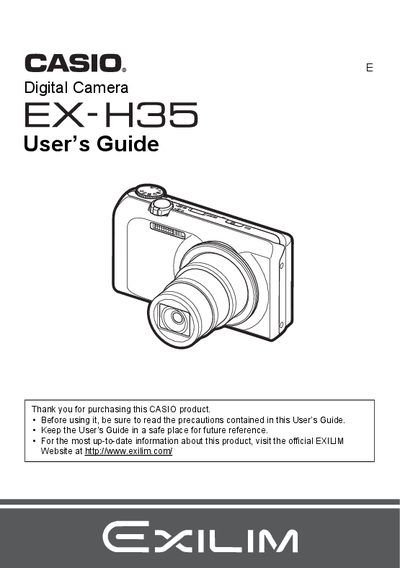
The Casio EX-H35 is a digital camera designed for capturing snapshots and recording movies. This manual provides instructions on charging the NP-130 battery, preparing memory cards, and turning the device on and off. It details how to use various shooting modes including Auto Focus, Face Detection, and HDR (High Dynamic Range) to correct exposure.
| Battery Type | Rechargeable lithium ion battery (NP-130) |
|---|---|
| Charger Unit | BC-130L |
Connect the charger unit (BC-130L) to the camera and plug it into an AC outlet.
The liquid crystal panel provides a pixel yield in excess of 99.99%.
You must shoot a test shot to ensure the camera is recording correctly.