
This is a user manual for LV-7225 LV-7220 LV-5220 projector model.
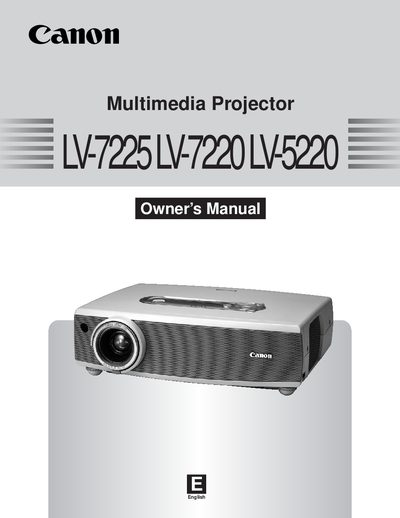
This document serves as the official owner's manual for the Canon LV-7225, LV-7220, and LV-5220 multimedia projectors. It details the features and design of the device, including its wide zoom lens, compact design, and compatibility with various video and computer input signals. The manual covers essential functions such as digital zoom, power management, and the blackboard function.
| Zoom Ratio | 1.6 times |
|---|---|
| Screen Size Range | 100 inches |
| Color Palette | 16.77 million colors |
| Menu Languages | 12 languages |
Yes, the Blackboard function allows the board color to be limited to Green for use as a projection screen.
The Digital Zoom function expands or compresses the image size to allow users to focus on crucial information.
You can use the PIN Code Lock function to prevent others except users from using the projector.