
This manual is the owner’s manual of Epson LV-5200 multimedia projector. It provides detailed instructions on the function, use, maintenance and repair of the projector.
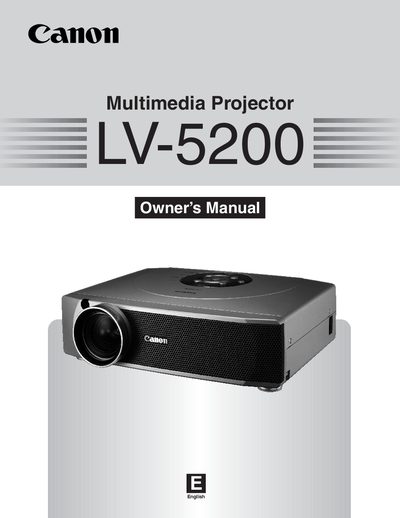
The Canon LV-5200 is a multimedia projector designed for displaying computer and video inputs. This owner's manual covers safety precautions, initial setup including power connection and positioning, and detailed operating procedures for the remote control unit and on-screen menu system.
Key features include various input options such as PC (VGA) and Video (S-Video/Composite), adjustable feet for leveling, and functions like Picture Freeze and P-Timer. The manual also details how to adjust zoom, focus, and keystone correction, as well as procedures for lamp replacement and air filter cleaning.
| Product Type | Multimedia Projector |
|---|---|
| Model Numbers | LV-5200U, LV-5200E |
Unplug the projector if it is not to be used for an extended period of time, or during a lightning storm.
Do not look directly into the lens because the projector produces an intensive light that may damage your eyes.
The laser beam is emitted for 1 minute while the LASER button is pressed.