
This quick guide provides instructions on how to use the Voice Navigation mode on your imageRUNNER ADVANCE multifunction machine. The Voice Navigation mode also includes a voice recognition function, which enables you to set the various functions of the machine using your own voice.
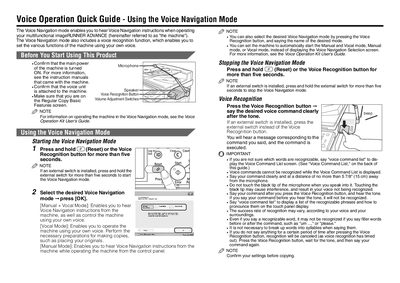
This guide introduces the Voice Navigation mode, which provides spoken instructions and lets you control the copier with your voice. It also covers the Voice Recognition function for issuing commands.
The guide shows how to start and stop Voice Navigation, select Manual, Vocal, or Manual+Vocal modes, and use voice commands such as "voice command list". It includes tips on microphone distance, command clarity, and handling of unrecognized words.
| Button hold time to start/stop voice mode | more than five seconds |
|---|
Press and hold the Reset or Voice Recognition button for more than five seconds (or hold the external switch if installed).
Press and hold the Reset or Voice Recognition button for more than five seconds (or the external switch if installed).
Say "voice command list" to display the Voice Command List screen.