
This document is a user manual for a multimedia projector, including safety instructions, setting up the projector, projecting images from a computer and AV equipment, useful functions during a presentation, maintenance, and troubleshooting. The multimedia projector has various practical functions and is suitable for projecting images from a computer and AV equipment.
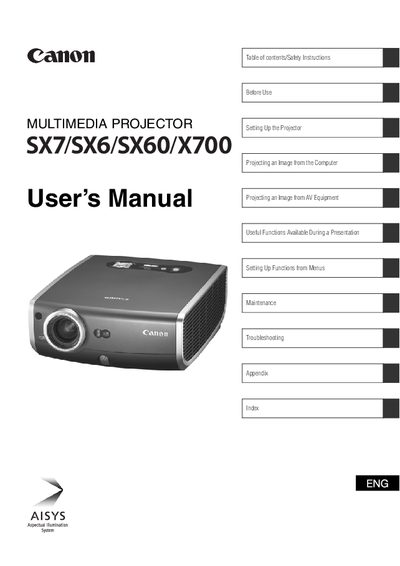
This document serves as a comprehensive guide for the Multimedia SX7/SX6/SX60/X700 series of multimedia projectors. It covers essential safety precautions, including warnings about electric shock and ventilation requirements to prevent fire hazards or equipment damage.
The manual details the complete setup process, from installing the projector and connecting it to computers or AV equipment to adjusting image settings like focus, keystone distortion, and aspect ratio. It also includes instructions for using useful presentation functions such as muting sound, freezing images, and zooming.
Read the manual again, check operations and cable connections, try solutions in the Troubleshooting section, or contact the service center.
You must maintain a minimum clear space of 1 meter (3.3 feet) above, beside, and behind the projector cabinet to allow for air circulation.
You should use a damp cloth for cleaning and never use liquid or aerosol cleaners.
If the problem persists after checking operations, you should read the "Troubleshooting" section at the end of this booklet.