
This document is the user manual for the LV-X4 LV-7230 projector. It introduces the features and characteristics of the product, including wide zoom lens, compact design, compatibility, simple computer system setting, digital zoom, keystone adjustment, power management and user logo.
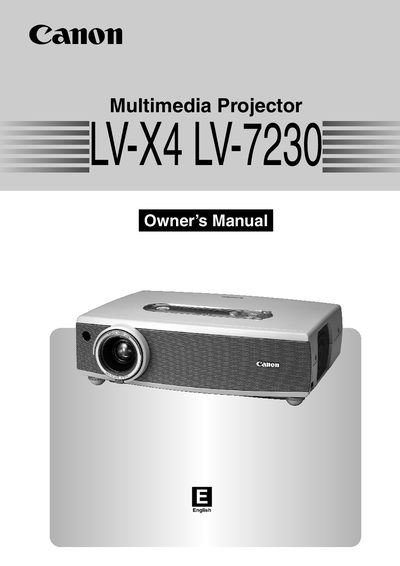
The Canon LV-X4 and LV-723 are compact multimedia projectors designed with a wide zoom lens (1.6x ratio) to support screen sizes from 8.2 feet to 13.1 feet. They feature matrix LCD technology with a palette of 16.77 million colors and include built-in functions such as digital zoom, keystone adjustment, and power management to enhance usability and preserve lamp life.
| Zoom Ratio | 1.6 times |
|---|---|
| Screen Size Range | 8.2' to 13.1' |
| Color Palette | 16.77 million colors |
The operation menu is available in 12 languages including English, German, French, Italian, Spanish, Portuguese, Dutch, Swedish, Russian, Chinese, Korean, and Japanese.
Do not stare directly into the lens as possible because intense light could result in eye damage.