
The Canon EOS-1Ds Mark II Camera Instruction Manual provides setup, operation, safety, and maintenance instructions.
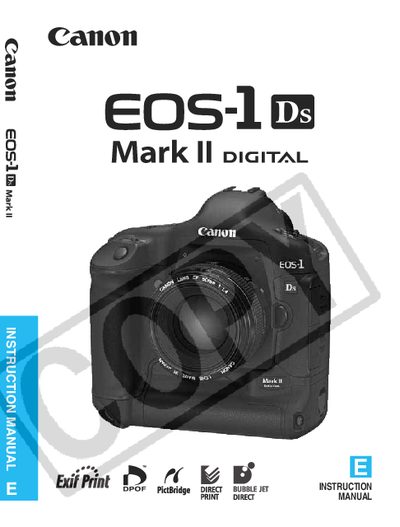
This manual introduces the EOS-1Ds Mark II digital SLR camera, lists all supplied accessories, and explains how to get started, charge the battery, install lenses and memory cards, and perform basic operations. Safety warnings and handling precautions are detailed to prevent injury and equipment damage.
The guide covers image‑setting controls, autofocus and drive modes, exposure control, image playback, and direct printing. It also includes a reference section with specifications, troubleshooting tips, and contact information for Canon service centers.
| Sensor size | 36 mm × 24 mm |
|---|---|
| Resolution | 16.70 megapixel CMOS sensor |
| Lens compatibility | All Canon EF lenses (except EF‑S) |
| Date/Time battery | Built‑in lithium battery |
Canon memory cards are recommended for use with the camera.
Do not recharge the battery pack outside the ambient temperature range of 0 °C – 40 °C and follow all listed precautions to avoid fire or explosion.
Remove the battery, wipe off any water droplets with a dry cloth, and take the camera to the nearest Canon dealer.