
This is a multimedia projector designed with advanced technology for portability, durability, and ease of use. It features built-in multimedia functions, a palette of 1.07 billion colors, and matrix LCD technology. The projector offers a range of functions, including a multi-use remote control unit, multi-language menu display, multiple interface terminals, useful functions for presentations, power management, network capabilities, and customizable screen logos.
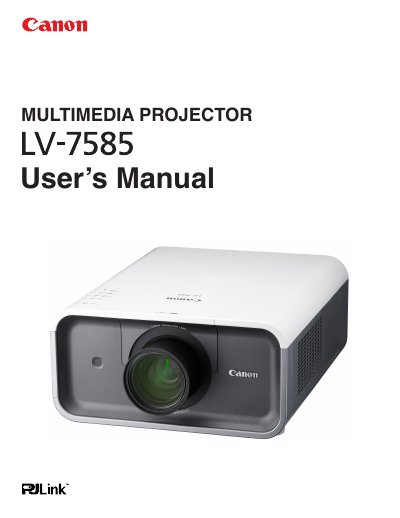
The Canon LV-7585 Multimedia Projector is designed with advanced technology for portability and ease of use. It features a palette of 1.07 billion colors, matrix LCD technology, and various functions such as lens shifting, ceiling projection, and network capabilities. The projector supports up to UXGA resolution and includes useful presentation features like digital zoom and a customizable logo function.
| Color Palette | 1.07 billion colors |
|---|---|
| Display Technology | matrix liquid crystal display (LCD) |
| Maximum Resolution | Up to UXGA |
| Menu Languages | 12 languages |
| Power Management | Reduces power consumption and maintains lamp life |
The operation menu is available in 12 languages including English, German, French, Italian, Spanish, Portuguese, Dutch, Swedish, Russian, Chinese, Korean, and Japanese.
Yes, the projector supports ceiling and rear projection capabilities.
The projector has an automatic filter replacement function that replaces the filter when it detects clogging.