
This manual is a guide to using the EPTA EB-4310P projector. It describes the basic operating methods of the projector, including installation, connection, operation, maintenance, etc.
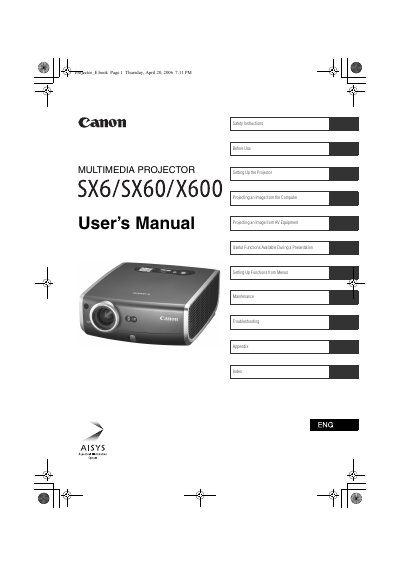
This document serves as the User's Manual for the Canon Multimedia Projector models SX6, SX60, and X600. It covers essential topics including safety instructions, setting up the projector and connecting it to computers or AV equipment, utilizing useful functions during presentations, and performing maintenance. The guide also includes a troubleshooting section to help resolve common issues.
| Brightness (SX6/X600) | 3500 lumen |
|---|---|
| Brightness (SX60) | 3500 lumen |
| Noise Level (SX60) | 27dB |
| Native Resolution (SX6/SX60) | 1400 by 1050 dots |
| Native Resolution (X600) | 1024 by 768 dots |
| Zoom Lens | 1.7X |
Press the [FOCUS] button to manually adjust the focus if the Auto setup function does not adjust it appropriately.
Read the manual again, check operations and cable connections, and try the solutions in the Troubleshooting section. If the problem persists, contact the service center.