
This document is an addendum to the Installation Kit for PTZ Camera (AXIS 2130R and AXIS 213) and the AXIS 215 PTZ Installation Guide. It describes how to install an AXIS 215 PTZ Network Camera in the Videotec DBH24K Dome Housing. The document provides a list of required materials and steps for installation, and emphasizes safety precautions.
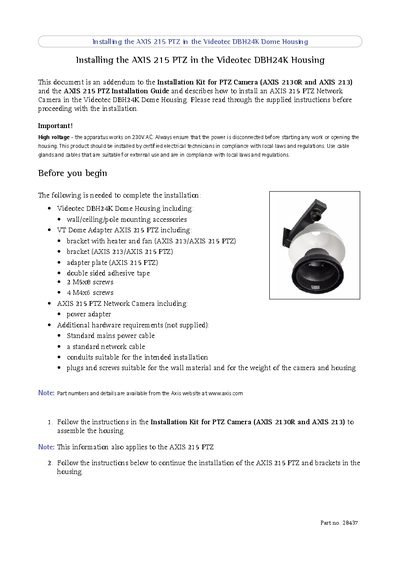
The document provides step‑by‑step instructions for mounting the Axis 215 PTZ camera inside the Videotec DBH24K dome housing. It lists all required components, safety warnings, and references the main AXIS 215 PTZ Installation Guide.
Installation begins with assembling the housing, attaching the camera to the adapter plate, securing the bracket, and connecting power and network cables. After the camera is mounted and its IP address set, the dome glass is fitted and the safety screw tightened to complete the installation.
| Operating voltage | 230V AC |
|---|
The camera operates on 230V AC.
You need the Videotec DBH24K dome housing, VT Dome Adapter, bracket with heater and fan, adapter plate, double‑sided adhesive tape, 2 M5×8 screws, 4 M4×6 screws, the AXIS 215 PTZ camera, a power adapter, a mains power cable, a network cable, and suitable conduits and plugs.