
This document is the user manual of Philips DVD Home Theater Sound System. It mainly introduces the features and usage methods of this product.
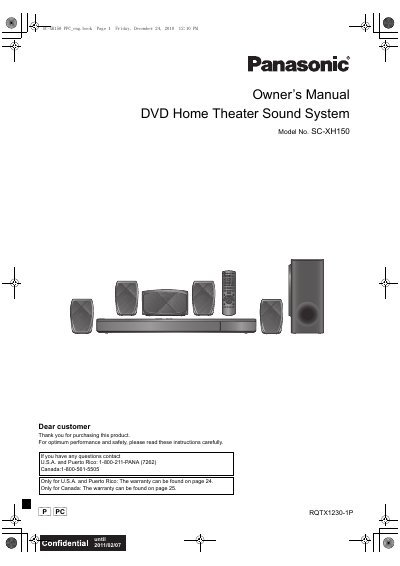
This manual introduces the SC-XH150 system, lists the supplied accessories, and outlines important safety warnings, power‑saving features, and warranty details. It explains how to position speakers, connect the unit to power and other devices, and prepare the remote control.
Detailed sections cover remote‑control functions, HDMI/optical audio connections, radio tuning, and troubleshooting. The guide also includes a quick‑start setup, speaker‑level adjustments, and instructions for servicing by qualified personnel.
Connect the unit to the TV using an optical digital audio cable, an HDMI cable, or a standard audio cable as described in the connection section.
Open the battery compartment, insert the new batteries so the poles (+ and –) match the markings, and then replace the cover.
Unplug the AC power supply cord from the household outlet to fully disconnect power.
Yes, the main unit automatically switches to standby after 30 minutes of inactivity.