
This is a user manual that introduces the use of SDR-S50, SDR-S45, SDR-T55, SDR-T50, SDR-H95, SDR-H85 SD Video Camera, SD/HDD Video Camera.
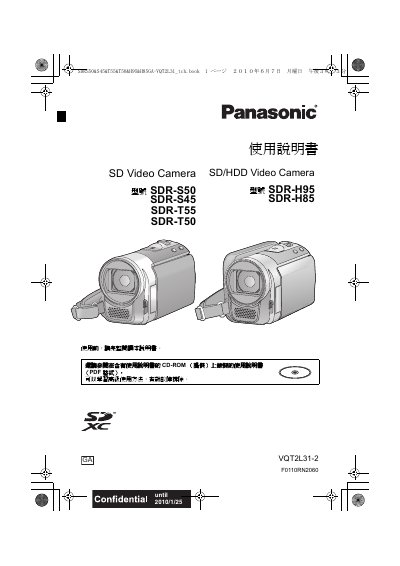
This manual covers safety precautions, required accessories, and preparation steps before using any of the listed Panasonic video camera models. It explains how to install batteries, connect power adapters, insert SD cards, and operate the LCD screen and control buttons.
Detailed sections describe recording modes, video and still image settings, optical and digital zoom, image stabilization, playback, editing, and how to connect the camera to a TV. Specifications for storage media, recording formats, power consumption, dimensions, and weight are provided, along with troubleshooting tips and warranty information. This manual is written in Chinese.
| Built‑in memory (SDR‑T55/T50) | 8 GB |
|---|---|
| Built‑in memory (SDR‑S50/S45) | 4 GB |
| Built‑in HDD (SDR‑H95) | 120 GB |
| Built‑in HDD (SDR‑H85) | 80 GB |
| Video recording format (standard) | MPEG‑2 |
| Video recording format (long‑time) | MPEG‑4 AVC/H.264 |
| Video bitrate (XP mode) | ≈10 Mbps (VBR) |
| Image resolution | 640×480 (4:3) and 640×360 (16:9) |
| Dimensions (W×H×D) | 46 mm × 25 mm × 75.5 mm |
| Weight | ≈115 g |
Open the fuse cover with a screwdriver, replace the fuse, then close and secure the cover.